Project: Advent Calendar 2025 (Excel + VBA)
Tools: Microsoft Excel (UI), VBA (logic), GitHub (repo + documentation)
Description: A custom Advent calendar built as a mini offline application in Excel. The project combines a user interface (clickable windows/postcards), time-based logic, and persistent saving of the application state.
Objective: Building a cohesive application in Excel/VBA with date-based access control, persistent state, game rules, and logic separated from the UI layer.
Data: No classic analytical dataset – this is an application-style project (event-driven UI, control table, persistent state).
Repository:  See on GitHub
Introduction
The project was created with festive fun and user interaction in mind, but from a technical perspective it was built like a simple application: it features time-based logic, progress control, and persistent state saving.
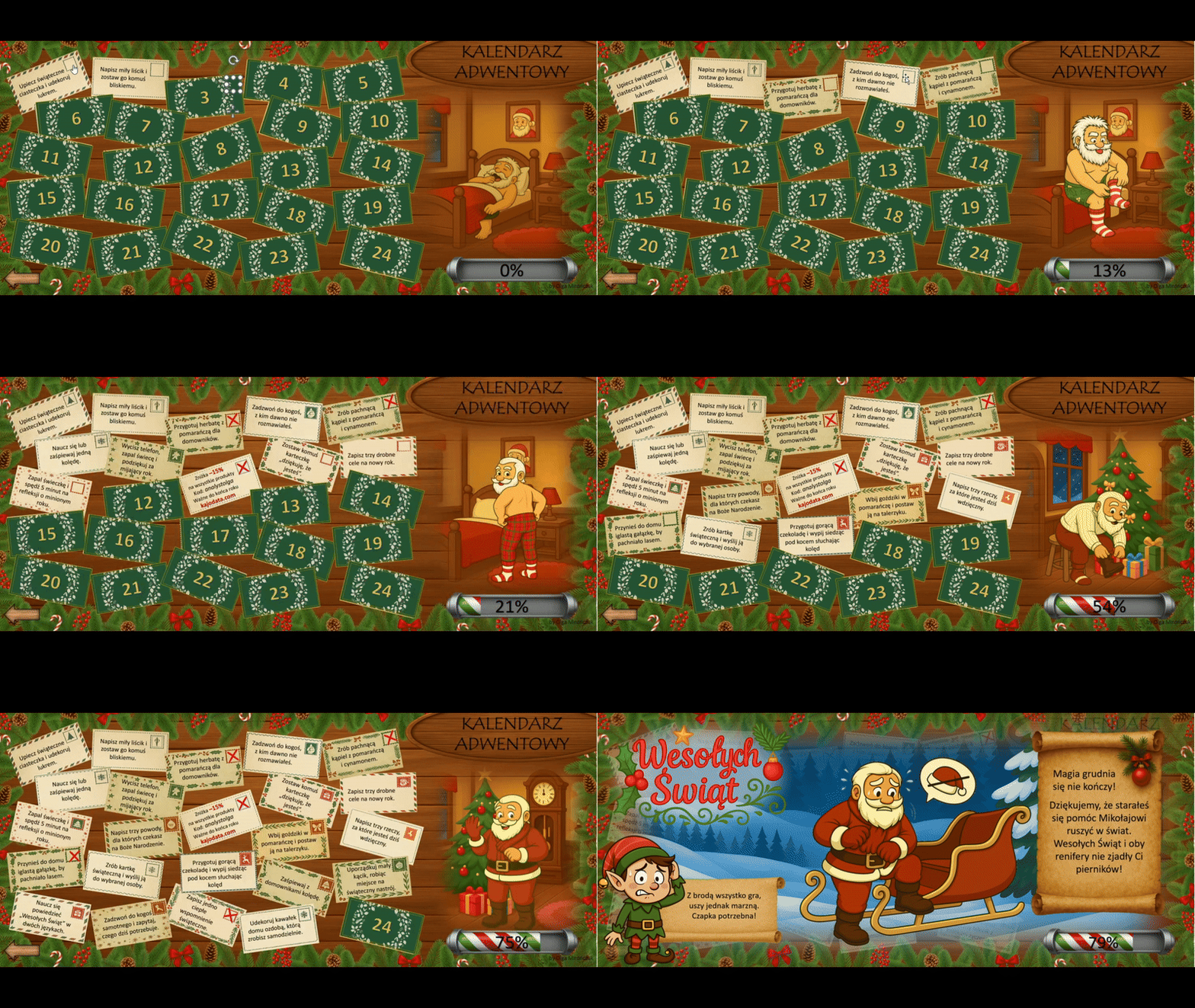
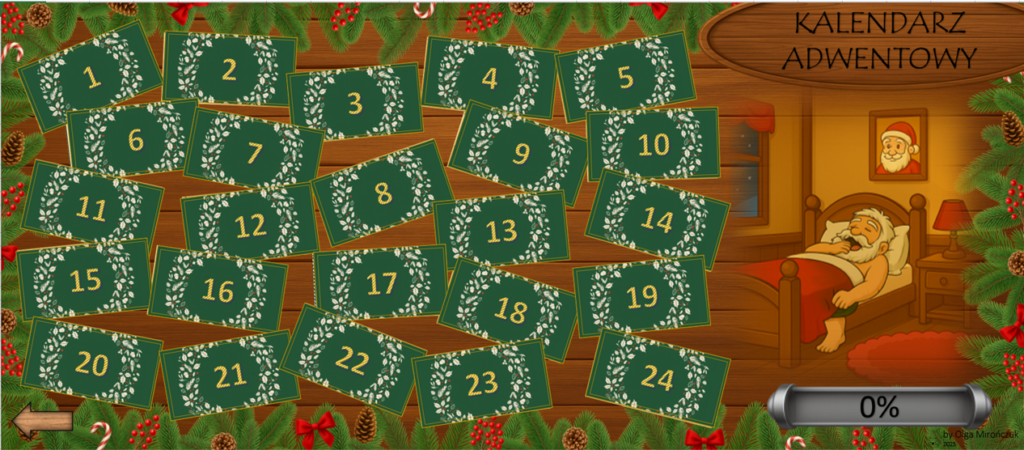
The calendar works entirely offline — the user downloads an .xlsm file and runs it locally in desktop Excel. The interface guides the user through 24 “windows” in the form of postcards with tasks, which can be completed and confirmed through interaction with UI elements.
Data
The project does not use external datasets. The application state is driven by control data stored directly within the Excel file.
- Application state: stored in a control worksheet called “Elf Secret Notes” (hidden from the user)
- Functional scope: 24 days (windows), with availability and lock rules based on the date and the user’s action history.
- Persistence: the user’s progress is not reset after closing the file.
Process
1) Application logic (VBA)
- designing date-based rules for window availability
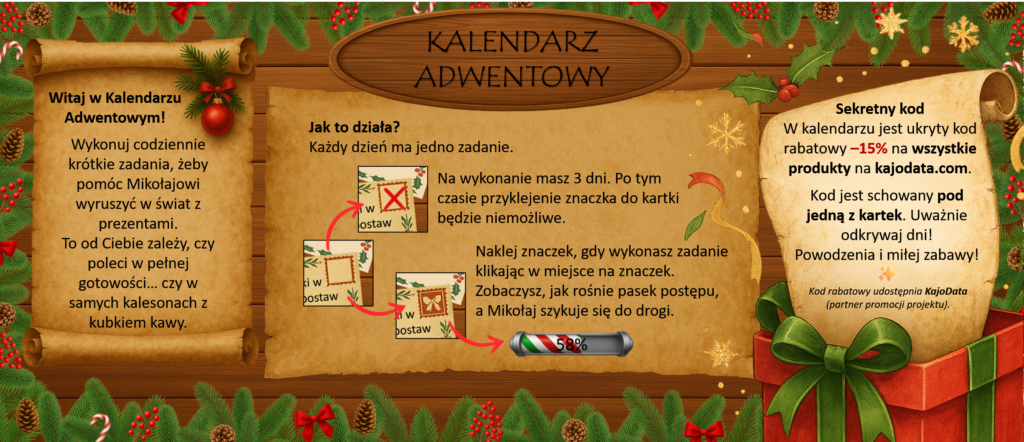
- handling time constraints: the user has 3 days to complete a task (after the deadline, the window becomes locked); validating progress and the conditions required to unlock the finale
- separating responsibilities into VBA modules (logic/actions/UI/effects)
2) Persistent state
- saving progress in a technical worksheet (control table)
- ensuring there is no risk of progress loss after closing Excel
- the application state serves as the single source of truth for reconstructing the UI
3) User interface (Excel as the UI)
- Clickable elements in the worksheet serve as the application’s UI.
- Task completion is confirmed by placing a stamp in the designated spot.
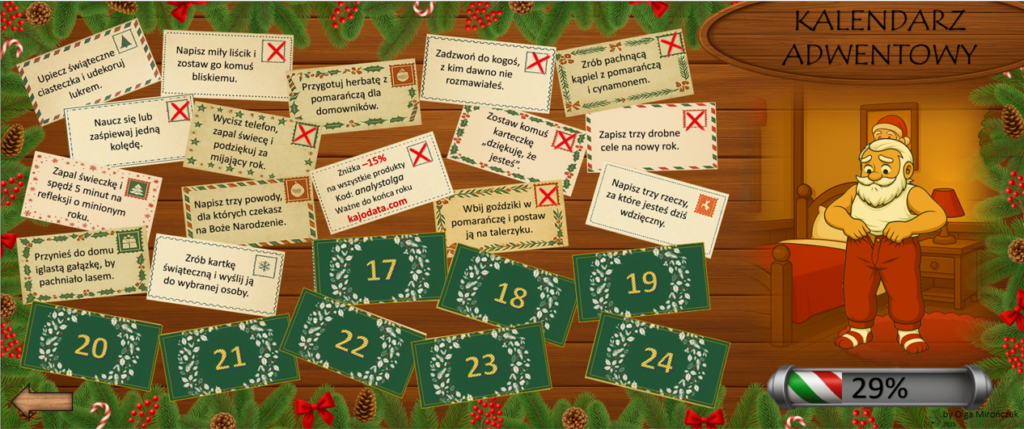
- UI elements are dynamically updated (active/inactive windows, locks, visual effects).
4) Documentation + repository
The repository includes:
- VBA modules
- architecture and logic-flow documentation
- module descriptions (modules.md)
- A user-facing README (no spoilers)
Results
- a fully offline interactive Advent calendar
- a time-based rules and lock system that ensures a consistent “game” flow
- a persistent application state that allows continuation without resetting progress
- the entire project is documented with technical documentation (portfolio-style project)
Reflections
- Excel + VBA can function as an application environmentwhen it is designed as a system: UI + logic + state.
- The key was maintaining predictable behavior: logic based on a single source of truth (the control table).
- Separating the logic layer from the interface helped keep the code organized and made behavior testing easier.
Role of AI in the project
In the project, I used AI as a tool to support conceptual work and iterative development of VBA solutions.
On my side, this included:
- designing the application logic
- architectural decisions
- testing behavior in Excel
- bringing the solution to a stable, predictable outcome
Final notes
The project is an original, portfolio-style work. The repository presents both the final outcome and the design thinking process, along with full technical documentation.
 A cookie with your coffee?