Explore dashboards and data storytelling based on real-world cases, created in tools such as Power BI, Tableau, Python and Excel
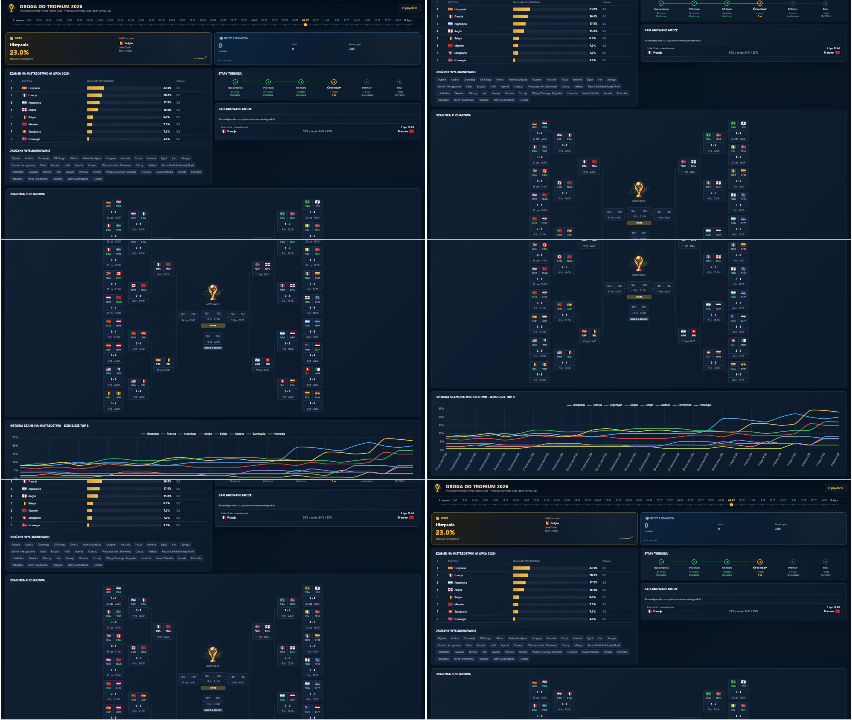
Droga do Trofeum – Mistrzostwa Świata w Piłce Nożnej 2026
Project: Droga do Trofeum - Mistrzostwa Świata w Piłce Nożnej 2026
Tools: Python, PostgreSQL (Supabase), API-Football, GitHub, JavaScript
Description: Model codziennie liczy szanse każdej reprezentacji na mistrzostwo na podstawie statystyk meczowych i rankingu FIFA, a symulacja Monte Carlo wyznacza prawdopodobieństwo zdobycia tytułu.
Objective: Sprawdzenie, czy prosty, przejrzysty model statystyczny (bez uczenia maszynowego) potrafi sensownie odtworzyć i prognozować przebieg całego turnieju na podstawie samych statystyk meczowych i rankingu FIFA.
Data: API-Football oraz FotMob
Repository:  See on GitHub
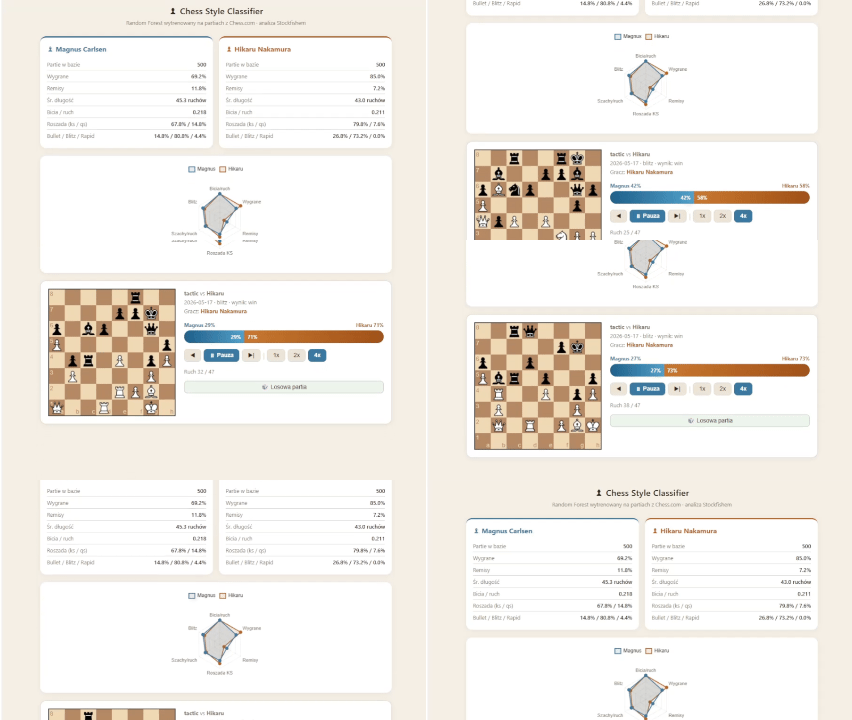
Chess Style Classifier – czy algorytm rozpozna mistrza po stylu gry?
Project:Chess Style Classifier - czy algorytm rozpozna mistrza po stylu gry?
Tools: Python, scikit-learn, Stockfish, python-chess, Supabase (PostgreSQL), GitHub Actions, GitHub Pages, JavaScript (chessboard.js, Chart.js)
Description: Projekt ML sprawdzający, czy algorytm potrafi rozpoznać arcymistrza po stylu gry. Model analizuje partie z Chess.com przy użyciu Stockfisha i wyznacza prawdopodobieństwo przynależności każdego ruchu do konkretnego gracza.
Objective: Klasyfikacja stylu gry przy użyciu uczenia maszynowego
Data: Chess.com API - partie Magnus Carlsen i Hikaru Nakamura
Repository: See on GitHub

Data storytelling for Working Dogs Foundation – animated video #BI_NGO
Project: Data storytelling for Working Dogs Foundation – animated video #BI_NGO
Tools: PowerPoint, GPT-4o (grafiki), Gen-4 Turbo (animacje), Eleven v3 (synteza mowy), edytor wideo
Description: Animated video with narration created as part of a data analytics volunteering project #BI_NGO (Data Language × Working Dogs Foundation). The project addressed a specific need of the foundation: „mamy opisane co robimy, ale nie mamy danych, które chwytają za serce".
Objective: Preparation of promotional and fundraising material for use during partner meetings, fundraising activities, and social media communication.
Data: Public data on shelters and adoptions in Poland (2005–2024) and operational and financial data from the foundation covering 2022–2025.
Volunteer work: #BI_NGO II edycja - inicjatywa Język Danych wspierająca organizacje społeczne w wizualizacji danych.
🔒 Dane operacyjne i finansowe fundacji są poufne - projekt dostępny wyłącznie w formie wideo.
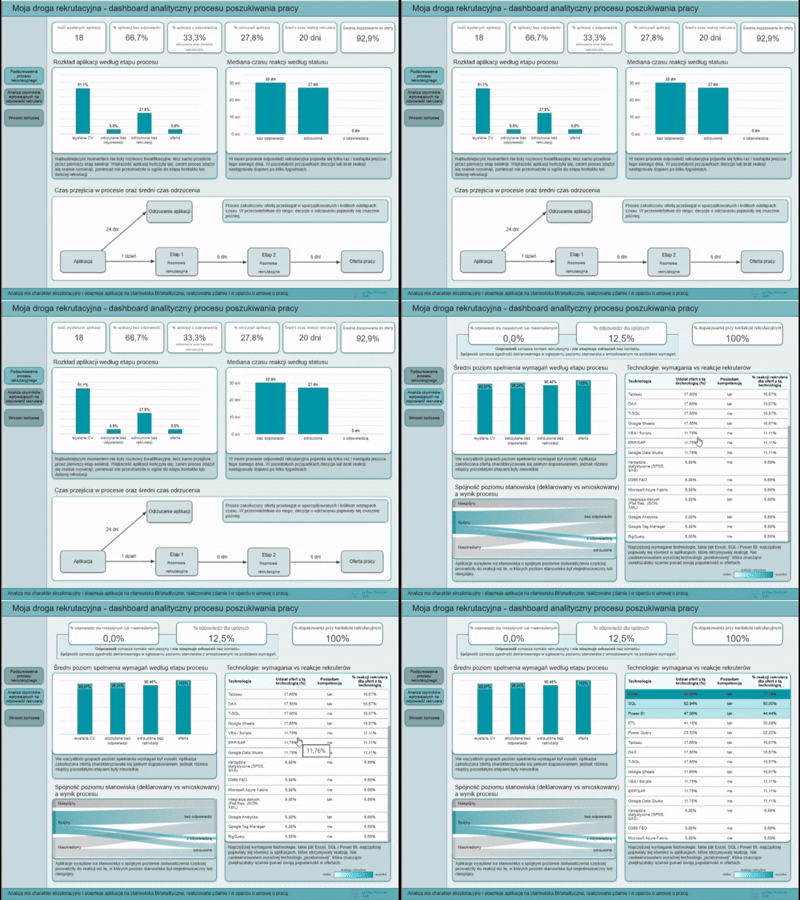
My Recruitment Journey - An Analytical Dashboard of the Job Search Process
Project: Moja droga rekrutacyjna - dashboard analityczny procesu poszukiwania pracy
Tools: Excel, Power Query, Looker Studio
Description: An exploratory analysis of 18 applications for BI and data analytics positions. The project includes modeling the recruitment process, analyzing response times, assessing competency match levels, and examining the consistency between job seniority and recruitment outcomes. The dataset was frozen on the day the job offer was received.
Objective: To structure the recruitment process as a measurable analytical model and identify factors potentially associated with progressing to subsequent stages of the recruitment process.
The project aimed to move from a subjective perception of the job market to an exploratory data analysis approach.
Data: Anonymized personal data related to job applications.
Repository: See on GitHub
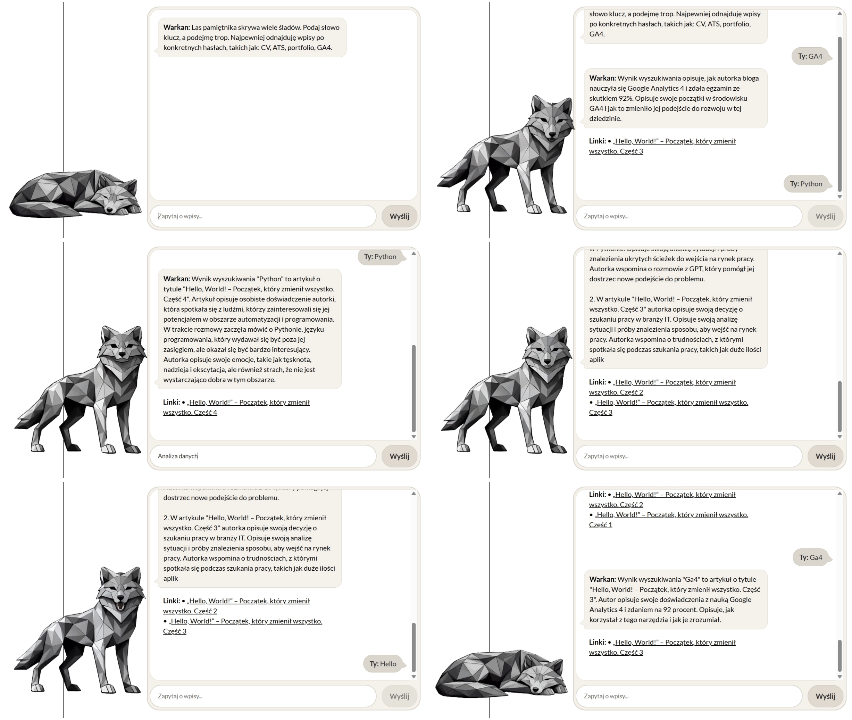
Warkan – a Cost-Efficient AI Assistant for the Blog
Project: Warkan - Świadomy kosztowo asystent AI dla bloga
Tools: Python, FastAPI, scikit-learn (TF-IDF), REST API, WordPress API, Cloudflare Workers AI
Description: A custom blog chatbot built on a Retrieval-Augmented Generation (RAG) architecture that combines semantic search with responses generated by a language model.
Objective: The goal was to build an assistant that answers only using the blog’s real content, while maintaining control over context, system logic, and the cost of model queries.
Data: The data is sourced from blog posts dynamically fetched through the WordPress REST API.
Repository: See on GitHub
 A cookie with your coffee?